How to Register a JD Flash Account in 5 Simple Steps (2024 Guide)
How to Register a JD Flash Account in 5 Simple Steps (2024 Guide)
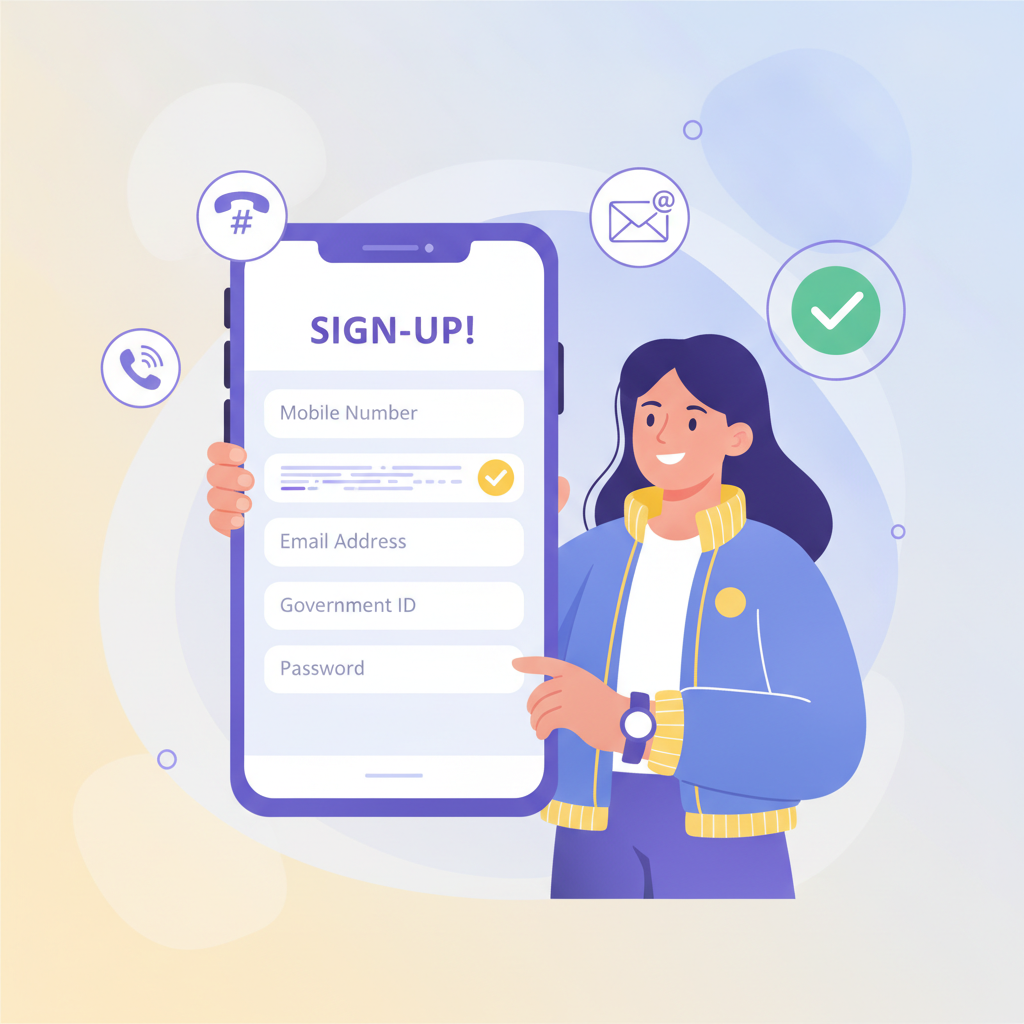
Creating a JD Flash account takes about five minutes on your phone. This guide walks you through the registration process, explains what information you'll need, and covers verification and first login basics.
Age requirement: JD Flash is open to Filipino players aged 21 and over only. You will need to verify your age during registration.
What You'll Need Before You Start
Before you begin the JD Flash register process, gather these items:
- A valid Philippine mobile number that can receive SMS
- An email address you check regularly
- A government-issued ID (for age and identity verification)
- Your full legal name exactly as it appears on your ID
- Your date of birth and complete address
Make sure your mobile phone has a stable internet connection—cellular data or Wi-Fi both work fine.
Step 1: Open the JD Flash Registration Form
Using your mobile browser (Chrome, Safari or your phone's default browser):
- Navigate to the official JD Flash website
- Look for the Register or Sign Up button, typically located in the top-right corner of the homepage
- Tap the button to open the registration form
The form loads as a single page or a short multi-step process. Most Filipino players complete registration directly in the mobile browser without downloading anything first.
Step 2: Fill Out Your Personal Information
The JD Flash registration form asks for the following details:
Username and Password
- Username: Choose something easy to remember. Avoid sharing it with others
- Password: Create a strong password with at least 8 characters, mixing uppercase and lowercase letters, numbers, and symbols
- Write down your password in a safe place or use your phone's password manager
Contact Information
- Mobile number: Enter your Philippine mobile number in the format requested (usually 09XXXXXXXXX or +639XXXXXXXXX)
- Email address: Use an active email you can access immediately
You will need to verify both your mobile number and email, so double-check that you've typed them correctly.
Personal Details
- Full name: Enter your complete legal name exactly as shown on your government ID
- Date of birth: Select your birthdate from the dropdown menus or calendar picker. You must be 21 years old or older
- Address: Provide your current residential address in the Philippines
- Currency: Select Philippine Peso (PHP) as your account currency
Most registration forms pre-select PHP for players accessing the site from the Philippines, but always confirm this setting—you cannot change your currency after registration.
Age Verification Checkbox
Before submitting, you'll see a checkbox confirming:
- You are at least 21 years old
- You agree to the terms and conditions
- You accept the privacy policy
Read these documents (tap the links to open them) and tick the box only if you agree and meet the age requirement.
Step 3: Verify Your Mobile Number
After you submit the registration form, JD Flash will send a verification code to your mobile number via SMS.
To verify your mobile number:
- Wait for the SMS (it usually arrives within 1–2 minutes)
- Open the message and note the 4- to 6-digit code
- Return to the JD Flash site or app and enter the code in the verification field
- Tap Verify or Confirm
If you don't receive the SMS:
- Check that you entered your mobile number correctly
- Wait a few minutes—network delays can occur
- Look for a Resend Code link and tap it
- Ensure your phone has signal and isn't blocking messages from unknown senders
Mobile verification helps protect your account and ensures JD Flash can reach you with important updates.
Step 4: Confirm Your Email Address
JD Flash also sends a verification email to the address you provided.
To verify your email:
- Open your email inbox on your phone or computer
- Look for a message from JD Flash (check your spam or promotions folder if you don't see it in your main inbox)
- Open the email and tap the Verify Email or Confirm Email link
- Your browser will open and confirm that your email is verified
Keep your email address up to date. JD Flash uses it to send account alerts, password reset links, and occasional updates.
Step 5: Complete ID Verification (KYC)
To comply with age and identity requirements, JD Flash asks new users to upload a copy of a valid government-issued ID. This is called Know Your Customer (KYC) verification.
Accepted Philippine IDs include:
- National ID (PhilSys ID)
- Driver's License
- Passport
- Unified Multi-Purpose ID (UMID)
- Postal ID
- Voter's ID
- SSS, GSIS or other government employee ID
How to submit your ID:
- After email verification, the site or app may prompt you to upload ID immediately—or you can access the KYC section from your account settings or profile page
- Tap Upload ID or Verify Identity
- Use your phone's camera to take a clear, well-lit photo of the front (and back, if required) of your ID
- Make sure all text is readable and the image isn't blurry
- Submit the photo(s)
Verification typically takes a few hours to one business day. JD Flash may contact you via SMS or email if they need a clearer image or additional information.
Why ID verification matters: It confirms you are 21 or older, protects your account from unauthorized access, and helps JD Flash meet regulatory requirements.
Your First JD Flash Login
Once your mobile number, email, and ID are verified, you're ready to log in.
To log in to JD Flash:
- Open the JD Flash website in your mobile browser
- Tap the Login or Sign In button
- Enter your username and password
- Tap Login
You'll land on the JD Flash homepage or lobby, where you can browse slots, live dealer tables, sports betting markets, and other games.
First login checklist:
- Review your account details in the profile or settings section
- Confirm your mobile number, email, and currency are correct
- Set up two-factor authentication (2FA) if available for extra security
- Explore the cashier or deposit page to understand payment options (GCash, Maya, InstaPay, PESONet)
Account Security Tips for New Players
Protecting your JD Flash account starts with smart habits:
- Use a strong, unique password: Don't reuse passwords from other sites
- Never share your login details: JD Flash support will never ask for your password
- Log out when using shared devices: Always sign out if you access your account on a friend's phone or public computer
- Enable 2FA if offered: Two-factor authentication adds an extra layer of security
- Check your email and SMS regularly: Watch for login alerts or account updates from JD Flash
- Update your password periodically: Change your password every few months or immediately if you suspect unauthorized access
If you forget your password, use the Forgot Password link on the JD Flash login page. You'll receive a reset link via email.
Responsible Gambling and Player Protection
JD Flash is designed for players aged 21 and over. If you choose to play, do so responsibly:
- Set a budget before you deposit and stick to it
- Never bet more than you can afford to lose
- Take regular breaks and avoid chasing losses
- Use deposit limits, session timers, or self-exclusion tools if you need help managing your play
Gambling should be a form of entertainment, not a way to make money. If you feel your gambling is becoming a problem, seek help from a qualified counselor or support organization.
What Happens After Registration?
Once your JD Flash account is verified and active, you can:
- Make your first deposit using GCash, Maya, or bank transfer
- Browse slots, jackpot games, live dealer tables, and sports betting markets
- Place bets on PBA, NBA, volleyball, and other sports
- Try bingo, keno, and lottery-style games
- Manage your account, update details, and track your activity
This guide focuses on the registration and verification process. For help with deposits, game rules, or other topics, explore the other guides on JD Flash Guide PH.
Final Checklist: Did You Complete Everything?
Before you start playing, confirm:
- ✅ You created a JD Flash account with a strong password
- ✅ You verified your mobile number via SMS
- ✅ You confirmed your email address
- ✅ You uploaded a clear photo of your valid government ID
- ✅ Your account status shows as verified or active
- ✅ You are 21 years of age or older
If any step is incomplete, return to your account settings or profile page and finish the process. Full verification ensures smooth deposits and access to all JD Flash features.
Remember: This is an independent guide to help Filipino players understand how to register on JD Flash. It is not operated by or affiliated with JD Flash. Always play responsibly, and never gamble with money you cannot afford to lose. Players must be 21 years old or above.