JD Flash Account Security: Password Tips and Safe Login Practices
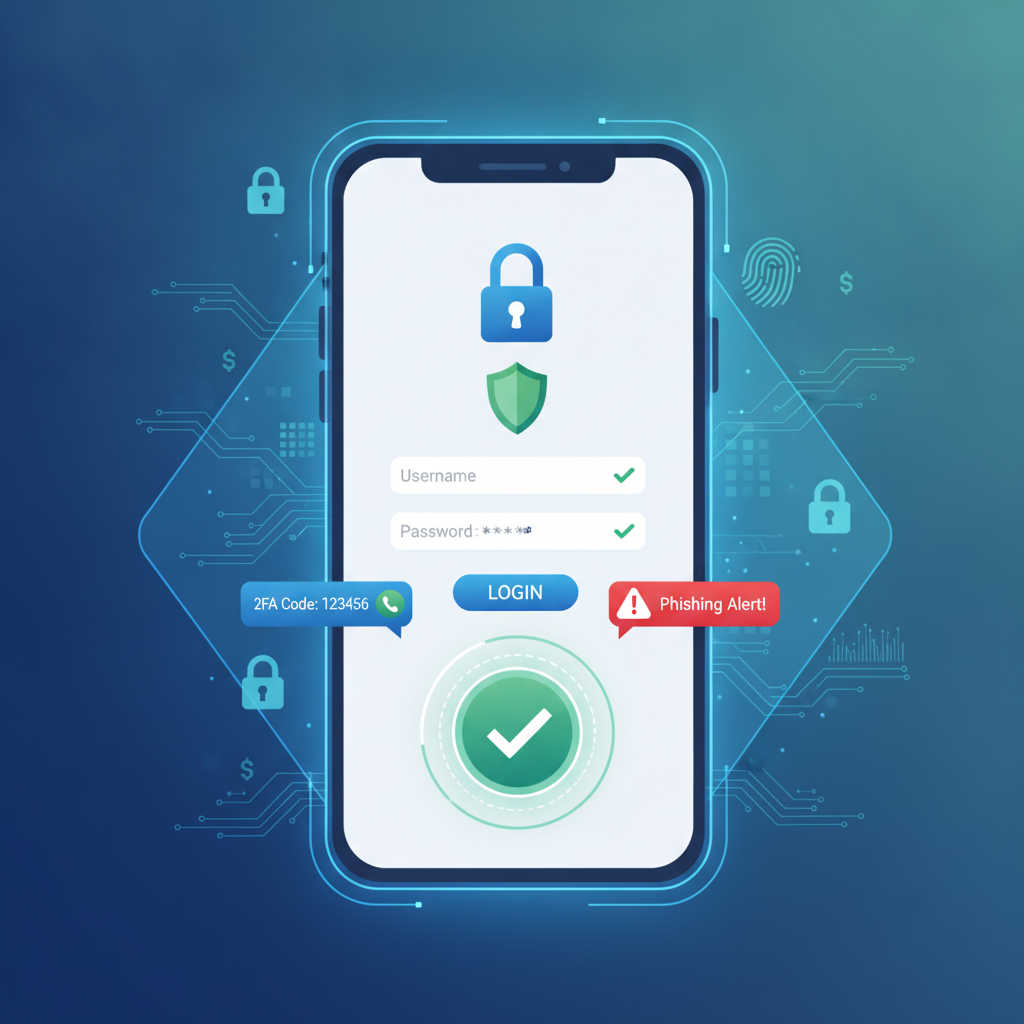
JD Flash Account Security: Password Tips and Safe Login Practices
Protecting your JD Flash account starts the moment you register. Whether you're logging in to place a bet on PBA or play slots, following basic security practices keeps your funds and personal information safe. This guide covers password creation, login security, and how to spot common threats when playing on your phone in the Philippines.
Creating a Strong Password When You Register
Your password is the first line of defense when you open a JD Flash account. A weak password makes it easier for someone else to access your balance, deposit funds, or change your GCash withdrawal details.
What Makes a Password Strong
A strong password for your JD Flash login should be at least 12 characters long and mix uppercase letters, lowercase letters, numbers, and symbols. Avoid using your birthday, phone number, or common words like "password123" or "manila2024."
Instead of a single word, consider a passphrase—a string of random words or a sentence only you would know. For example, "BlueCoffee@Manila91!" is much harder to guess than "juandela2024."
Don't Reuse Passwords Across Sites
Many Filipino players use the same password for GCash, Maya, email, and their casino accounts. If one service gets breached, all your accounts become vulnerable. Create a unique password specifically for JD Flash that you don't use anywhere else.
If remembering multiple passwords feels difficult, write them down in a notebook you keep at home—offline notes are safer than saving passwords in your phone's notes app or browser if your device is lost or stolen.
Change Your Password if You Suspect a Problem
If you notice unfamiliar login attempts, strange bets you didn't place, or any unusual account activity, change your JD Flash password immediately. Look for an account settings or security section after you log in, where you can update your credentials.
Enabling Two-Factor Authentication (If Available)
Two-factor authentication (2FA) adds a second check beyond your password. Even if someone learns your password, they still can't log in without the second factor—usually a code sent to your phone.
How Two-Factor Authentication Works
When 2FA is active, JD Flash will ask for your password and then send a one-time PIN to your registered mobile number or email. You enter that PIN to complete the login. This means an attacker would need both your password and access to your phone to break into your account.
Check Your Account Settings
Not every online casino offers 2FA, but it's worth checking. After you register and complete your first JD Flash login, navigate to account settings or security options. If you see an option to enable two-step verification or SMS authentication, turn it on.
If JD Flash doesn't currently offer 2FA, your password strength and login habits become even more important.
Recognizing Phishing Attempts and Fake JD Flash Sites
Phishing is one of the most common threats to Filipino online casino players. Scammers create fake websites or send text messages that look like they're from JD Flash, tricking you into entering your login details on a fraudulent page.
What a Phishing Attempt Looks Like
You might receive an SMS saying "Your JD Flash account will be locked—click here to verify." The link leads to a site that looks almost identical to the real one, but the URL is slightly different: maybe "jdflash-ph.com" instead of the legitimate address.
When you enter your username and password on the fake site, the scammers capture your credentials. Minutes later, they log into the real JD Flash, change your withdrawal details, and drain your balance.
Always Check the URL Before You Log In
Before entering your password, look at the address bar in your mobile browser. Make sure you're on the official JD Flash domain. Bookmark the real login page the first time you register, and always use that bookmark instead of clicking links in text messages or emails.
Legitimate online casinos will never ask you to confirm your password via SMS or email. If you receive an unexpected message asking you to log in urgently, open your browser, go directly to the official site, and check your account there.
Watch for Spelling and Grammar Mistakes
Phishing messages often contain spelling errors, awkward phrasing, or urgent language designed to make you panic and click without thinking. A message like "Yur account suspended click now!" is a red flag. JD Flash and other legit online casino Philippines platforms use professional communication.
Never Share Your Password
No legitimate casino operator will ever ask for your password in a chat, email, or phone call. If someone claiming to be JD Flash support asks you to confirm your login details, it's a scam. Hang up or close the message and contact support through the official website if you have concerns.
Logging Out on Shared Devices and Public Wi-Fi Safety
Many Filipino players use mobile data or public Wi-Fi to place bets on NBA games or spin slots during their commute. While convenient, public networks and shared devices introduce security risks.
Always Log Out After Every Session
If you access JD Flash on a phone or tablet that other family members use, log out completely when you're done. Don't just close the browser tab—tap the logout button in your account menu. This ensures nobody else can open the browser and resume your session.
The same rule applies if you ever log in on a friend's phone or a computer at an internet café. One forgotten logout can give someone else access to your balance, personal details, and payment methods.
Risks of Public Wi-Fi
Public Wi-Fi networks at malls, coffee shops, or bus terminals are often unencrypted, meaning data you send can be intercepted. A skilled attacker on the same network could capture your JD Flash login credentials as they travel between your phone and the casino server.
Whenever possible, use your mobile data connection instead of public Wi-Fi for anything involving money—whether that's a GCash casino Philippines transaction, online banking, or logging into JD Flash.
Use a VPN if You Must Use Public Wi-Fi
If you need to log in over public Wi-Fi, consider installing a reputable VPN (virtual private network) app on your Android phone. A VPN encrypts your connection, making it much harder for anyone on the same network to see what you're doing. Free VPN apps exist, but paid services generally offer better security and speed.
Clear Your Browser After Logging In on a Shared Device
If you used someone else's phone, clear the browser history and saved passwords before handing it back. On most Android browsers, you can find this option under Settings > Privacy > Clear browsing data. Select passwords, autofill data, and cookies to remove any trace of your JD Flash account.
Keep Your Contact Details Up to Date
JD Flash will use your registered mobile number and email for password resets, withdrawal confirmations, and security alerts. If you change your phone number or email address, update your account immediately. Otherwise, you may lose access to your account if you forget your password, and someone else could intercept recovery messages sent to your old number.
Watch for Unusual Account Activity
Regularly check your transaction history after you log in. Look for deposits you didn't make, bets you don't recognize, or changes to your GCash or Maya withdrawal settings. If anything looks wrong, change your password and contact JD Flash support right away.
Most legitimate online casino platforms keep logs of login times and IP addresses. If you see a login from a location you've never visited, that's a strong sign someone else has your credentials.
21+ and Play Responsibly
JD Flash is strictly for players aged 21 and older. Online gambling should be a form of entertainment, not a way to make money or solve financial problems. Set a budget before you deposit, never chase losses, and take breaks if betting stops being fun.
If you feel your gambling is becoming a problem, seek help. Organizations like the National Center for Mental Health in the Philippines offer support, and many online casinos provide self-exclusion tools in account settings.
This is an independent guide. We are not affiliated with JD Flash. All advice here applies broadly to keeping any online casino account secure. Always read the operator's own terms and security recommendations after you register.